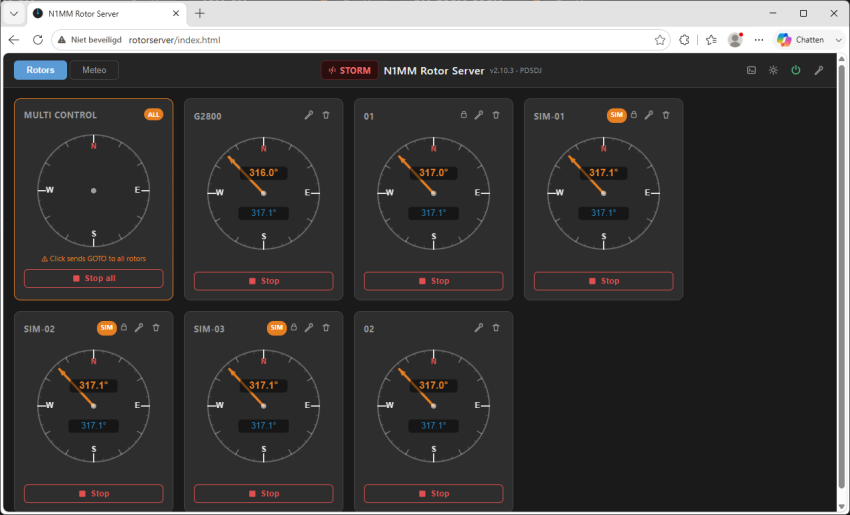
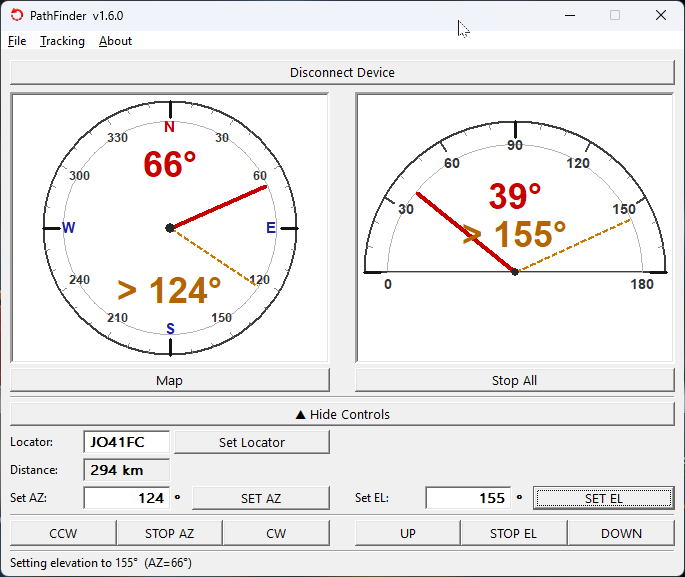
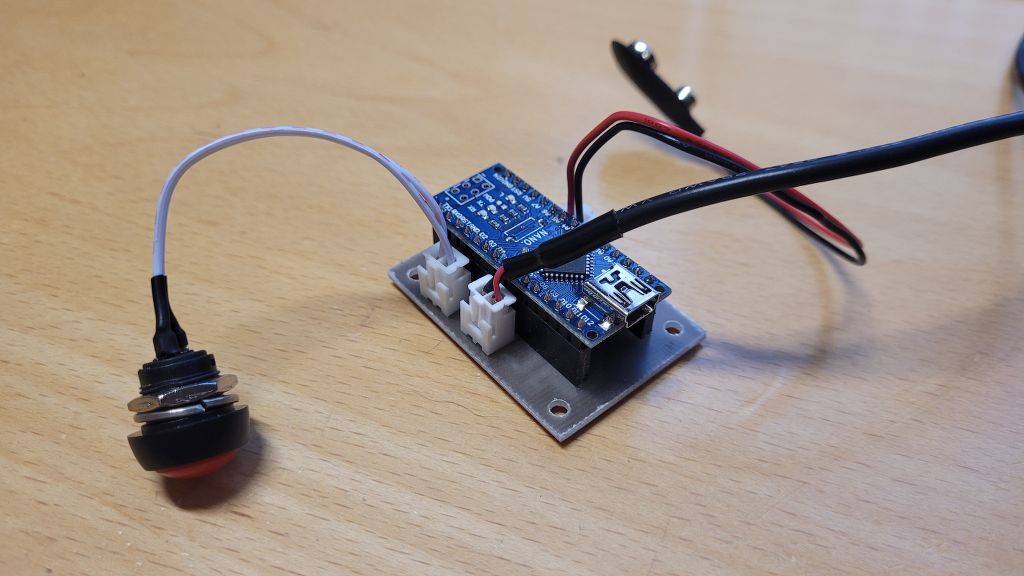
I’m excited to introduce PathFinder — a family of antenna rotator hardware interfaces I’ve been quietly building over the past months, and which I’m now ready to share with the amateur radio community. To kick things off, I’m also announcing a new series of upcoming hardware models that will expand the PathFinder family further. What…
Category: Software
Rotator Simulator, A What!?
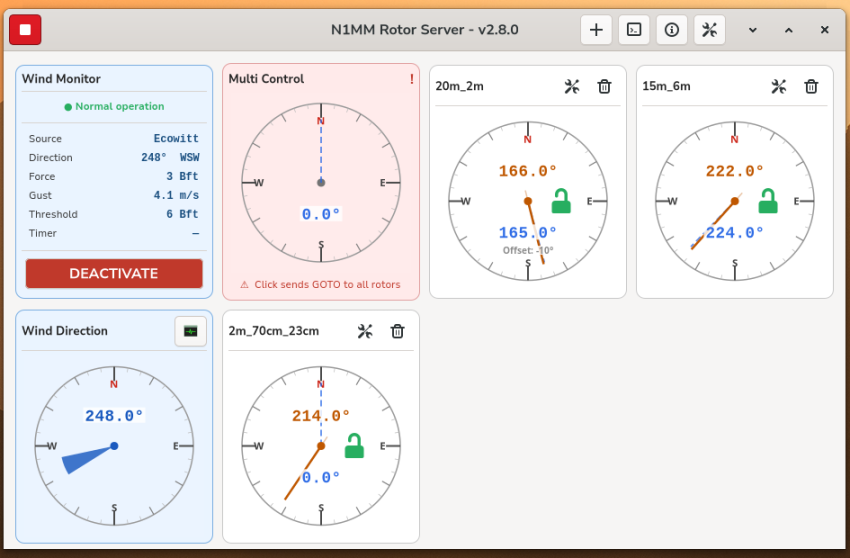
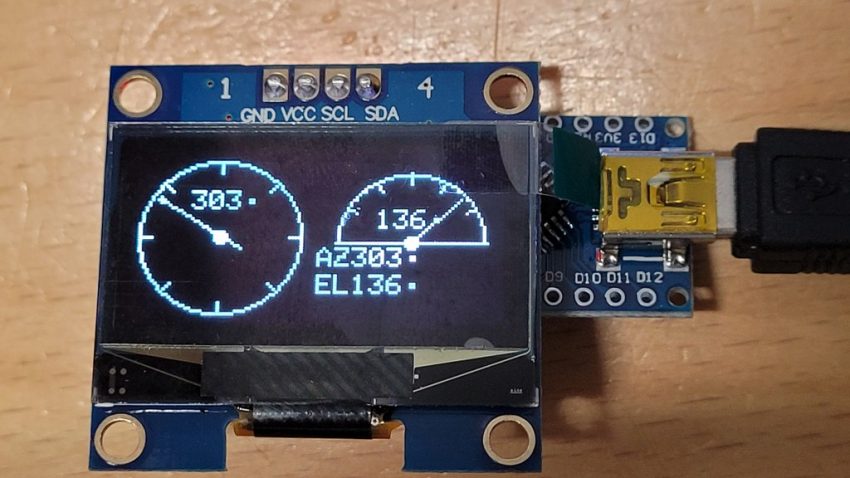
GS-232B Antenna Rotator Simulator — Azimuth & Elevation on an Arduino Nano Background I am currently working on a project called Rotor Server for N1MM — a server that manages multiple antenna rotators and makes them available to the N1MM contest logger. I am building this for the PA6Y contest station. The server runs on Linux and includes a fully…
MiniBook WordPress & HTML Plugin
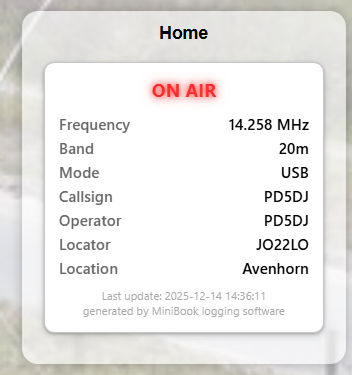
MiniBook now includes a WordPress & HTML plugin that lets you publish live station status directly on your website. Show: ON AIR / OFF AIR status Current band, frequency, and mode No cloud services, no remote control, and no complexity — just a lightweight, reliable way to bring your station live to the web. Key…
Getting Back into Digital Voice Modes: DMR, D-Star, and Yaesu Fusion
Recently, I’ve been diving back into digital voice modes like DMR, D-Star, and Yaesu Fusion. These technologies remain a fantastic way to connect with other radio enthusiasts worldwide. As part of this renewed interest, I set up my own XLX server: XLX880. Using a Raspberry Pi 5, I configured an XLXD server to power the…
CI-V Tuning aid for ICOM Radios
Updates 17-04-2024: Firmware v0.2 Almost every HF radio from ICOM has a Tuner connector, you know that white 4-pin connector at the back of your radio. Via this connector you can give a command with a switch so that your radio sends out a nice reduced carrier to safely control a tuner. For most 100-200W…
Add game Wordle to your BPQ (LinBPQ only)
I have written a tutorial on how to install an Application like Wordle for LinBPQ. BPQ Applications (Wordle)
LinBPQ & Direwolf installation
Over the past 2 weeks I have been busy getting the following things done: Transferring a Windows BPQ32 configuration to LinBPQ for the RaspberryPi. Communicating with an AEA PK-88 TNC in KISS mode. Install Direwolf on another RaspberryPi. Communicating with an ICOM IC-7300 (built-in sound card and USB Serial port for PTT). And then let…
LinBPQ installation for RaspberryPi
This will install LinBPQ for the RaspberryPi Either 32bit or 64bit version of Raspbian can be used for this setup UPDATE & UPGRADE RPI sudo apt-get update && sudo apt-get upgrade -y INSTALL NECESSARY SOFTWARE & LIBRARIES sudo apt install git libpcap0.8-dev:armhf libasound2-dev:armhf libz3-4:armhf zlib1g:armhf libminiupnpc17:armhf screen -y DOWNLOAD LINBPQ SOFTWARE git…
BPQ – Direwolf
Below you will find how to install and configure LinBPQ & Direwolf on the RaspberryPI First of all you want to flash a fresh copy of Raspian on a SD card. All my RaspberryPI’s run Headless without Desktop enviroment for max performance. I run all software with Raspberry Pi OS Lite (64-bit) Flashing the SD…
Install Direwolf RaspberryPi – No Desktop
INSTALL DIREWOLF RASPBERRY PI 64BIT LITE OS BOOKWORM UPDATE & UPGRADE RPI sudo apt-get update && sudo apt-get upgrade -y INSTALL NECESSARY SOFTWARE & LIBRARIES sudo apt-get install nano tmux git gcc g++ make cmake libasound2-dev libudev-dev libgps-dev libhamlib-dev libavahi-client-dev libavahi-core-dev -y CLONE & INSTALL LATEST STABLE VERSION OF DIREWOLF cd ~ sudo…